Interactive quick start
Learn this system in game
The client can walk you through these controls directly inside the live system window. The same steps are listed here for reference.
- 01
Welcome to Titan
You are in the Mountains of Lunvina on Beginner Island. Everyone who walked into these mountains before you disappeared. Survive, grow, and reach the other side. This walkthrough stays with you the whole way, and Skip closes it for good at any point.
- 02
Moving your character
Left-click a floor tile to walk there, or hold the left button and drag to keep walking. The arrow keys work too, and so do W, A, S, D once the chat field is not focused. Press Enter on an empty chat field to switch between typing and movement keys. Left-click only ever moves you; right-click is what acts on things.
- 03
Health and mana
Red is health, blue is mana. If health runs low, stop attacking, step away, and heal. Dying is not the end in Titan, but it costs awakening progress, so learn to retreat early.
- 04
Your first enemy
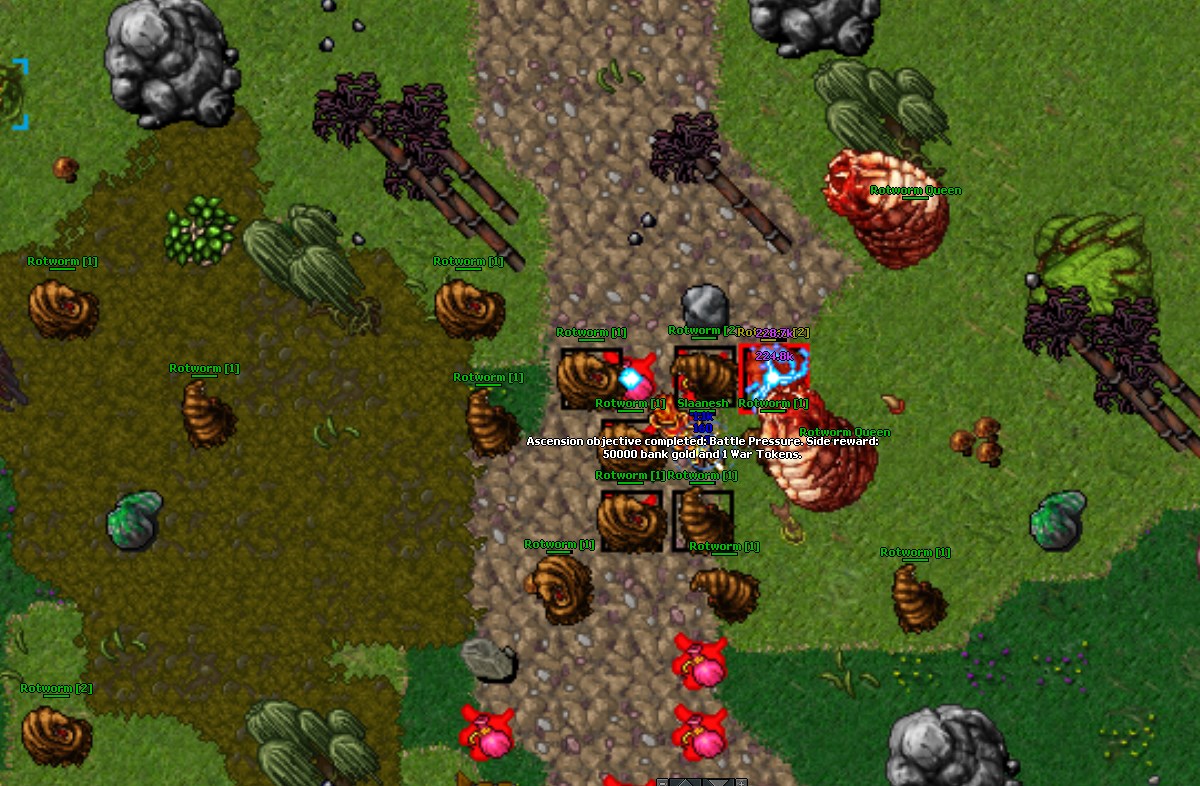
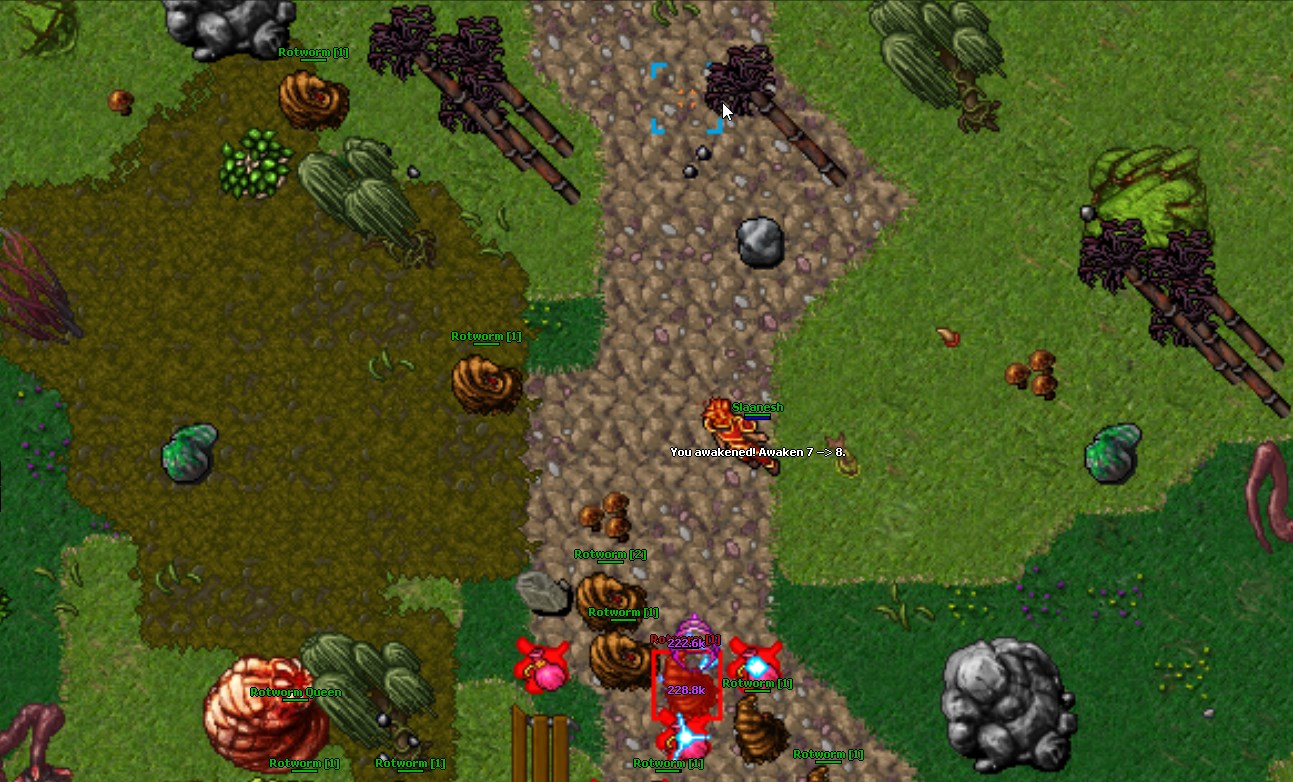
The highlighted creature is your first fight. Right-click it to attack, or click it in the Battle list at the side of your screen. Right-click is how you act on anything: attack a creature, open a container, use an item. Any creature here will do, so attack one now to continue.
- 05
Finish the fight
Stay next to it in melee, or keep your distance with spells and a distance weapon. Watch your health bar the whole time. Defeat it to continue.
- 06
Rewards and awakening
Every creature you defeat fills your awakening bar and can drop loot. Titan has no classic levels: awakening is your progression, and it grows from what you fight rather than from how long you grind.
- 07
Your healing rune
Your backpack holds {rune}, the healing rune chosen for your vocation. Right-click the backpack to open it. Using that rune on yourself restores health instantly, which matters more than any weapon in your first hours.
- 08
Open your spell list
Type !spells in the chat field and press Enter. That opens your personal spell library: everything you can cast now, and everything waiting at a higher awakening.
- 09
Spells you can cast now
These need no awakening. Each row shows the magic words, the mana cost, and the cooldown. You cast a spell by typing its words exactly, or from a hotkey. Area spells hit several tiles at once; single-target spells put everything into one enemy.
- 10
Spells you have not earned yet
This list is what unlocks as your awakening rises, and each entry names the awakening it needs. Come back whenever you awaken, because new options arrive quickly early on.
- 11
Open your hotkeys
Reaching into your backpack mid-fight is too slow, so your rune needs a key. Open the Hotkeys button at the top-left, or press Ctrl+K.
- 12
Bind your healing rune
Press Add, choose a free key such as F1, then press Select Object and pick {rune} from your backpack. Set the use type to Use on yourself, so one keypress always heals you and never targets an enemy.
- 13
Bind your area spell
Add a second hotkey for {areaSpell}, the first area spell available to you. Pick a key next to your healing key, type the magic words exactly as the hotkey text, and enable Send automatically so one press casts it.
- 14
Bind your defensive spell
Add one more for {defensiveSpell}. For magic vocations that is utamo vita, which turns mana into a shield and is the most important survival key a mage has; melee vocations bind their strongest self-buff. A safe habit: attack, watch your health, heal before you drop below half, and use your defensive key before pulling a group.
- 15
Walk to the ridge
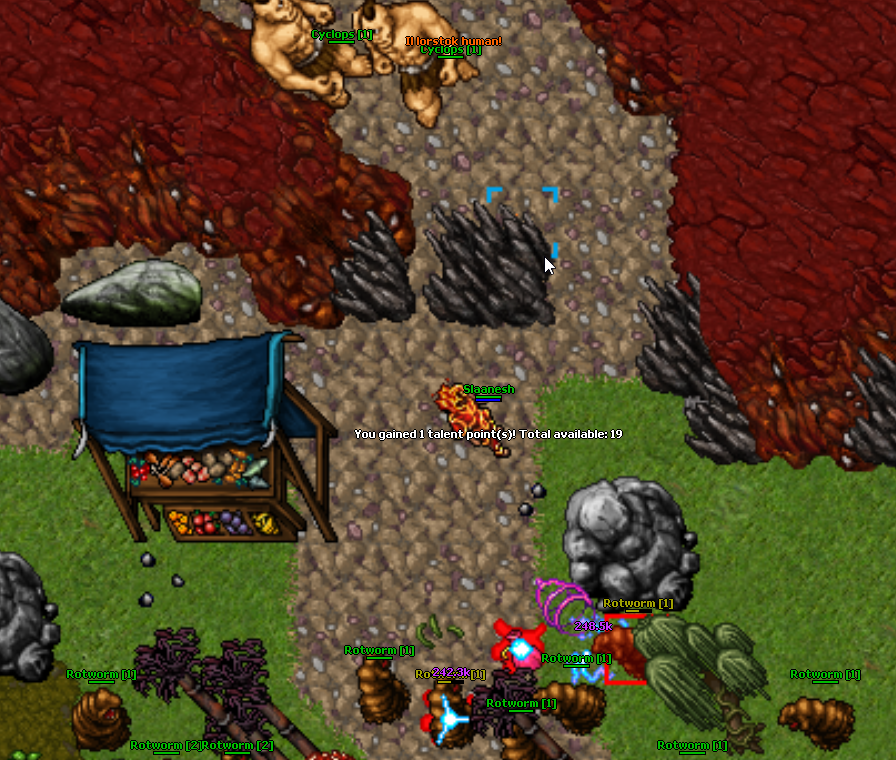
Close the hotkey window and follow the marked tile north, with the mouse, the arrow keys, or W A S D. Take your time and fight anything in the way.
- 16
Hunt until Awakening 3
The walkthrough waits here. Hunt freely on Beginner Island until you reach Awakening 3, using your new keys and healing early. This step continues on its own, so play normally.
- 17
A stronger spell is unlocked
Your awakening unlocked {newSpell}. Read its words in your spell list with !spells, then select your old spell key here and replace its text with the new words. Replacing a hotkey never creates a duplicate key.
- 18
Find the passage chest
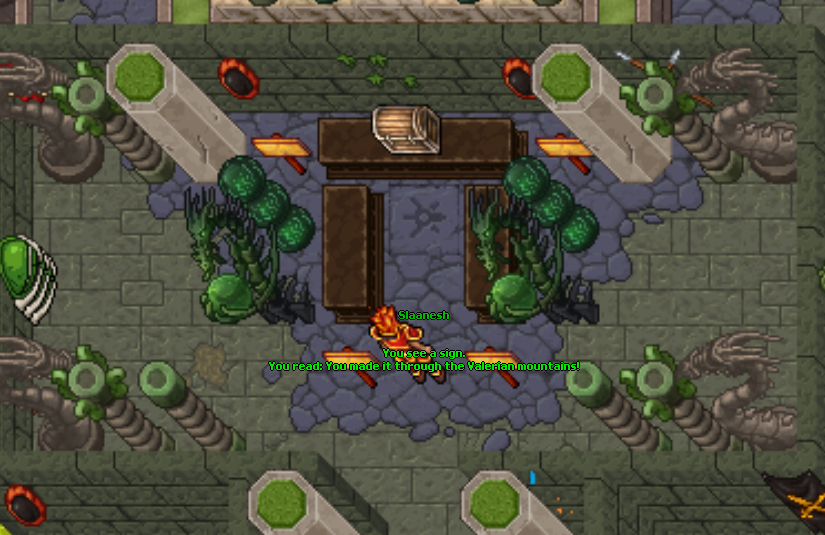
Head deep to the north and reach the end of the mountains. The passage chest waits there; use it with a right-click. It is the only way out of the Mountains of Lunvina.
- 19
Walk to the Commander
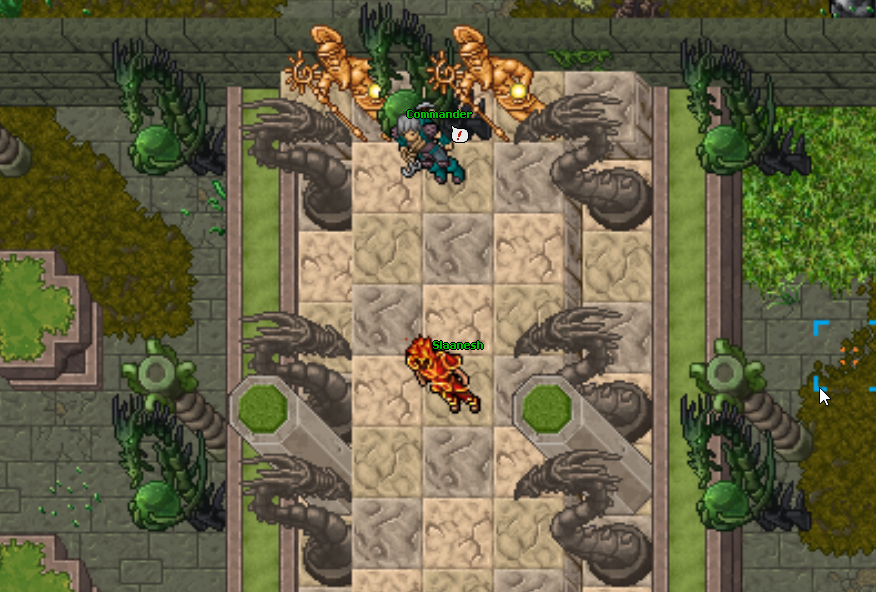
You crossed into the outpost. Keep heading north until the Commander comes into view; he is the only other person to survive these mountains.
- 20
Talk to the Commander
Stand next to the Commander and type hi to greet him, then type adventure. He hands over a starting pack for your vocation and sends you to Titan. Every NPC in Titan works this way: say hi, then say the highlighted keyword. After that you are done: client windows have separate buttons or appear in Library when you use grouped buttons, System Guides explain each Titan system, and wiki.taleoftitan.com covers creatures, items, spells and quests in full. Good luck, Titan.
Beginner Island
New characters start in the Mountains of Lunvina. The island is a safe, low-pressure area with weak creatures, a healing rune in your backpack, and a single exit.
Learning the controls
Walk by clicking the map, by using the arrow keys, or with W, A, S, D while chat is not focused. Press Enter on an empty chat field to switch between typing and movement keys.
Your first fight
Select a creature and attack it. Watch the health bar while you fight and retreat before it becomes dangerous. Every defeated creature contributes to your awakening.
Spells and hotkeys
Type !spells to open your spell library. Bind your healing rune to a key with Use on yourself, and bind your area spell and your defensive spell to nearby keys with Send automatically enabled.
Leaving the island
Hunt until Awakening 3, use the passage chest, walk to the Commander, greet him, and say adventure. He gives a vocation starting pack and sends you to the Titan temple.
After the island
Speak to Lady Eirwyn in front of the temple for your first mission. The System Guide and wiki.taleoftitan.com explain everything else.
Getting Started in game
Continue learning
Awakening Progression
Titan's primary long-term progression from Awaken 0 to 1000, with ten growth milestones per awakening and permanent vocation growth.
Vocations and Promotions
Four combat identities with distinct health, mana, regeneration, speed, equipment, and spell paths.
Spells and Runes
Vocation-specific combat abilities balanced around awakening, total hits, area shape, mana, and acquisition.
Interface and Quality of Life
The practical client systems that keep combat, navigation, chat, action bars, windows, and large data views responsive and predictable.